
Milford Criminal Court Cases
Milford has no county criminal court, county clerk, or separate city criminal court. Connecticut Superior Court is one statewide trial court arranged by judicial districts, geographical areas, and court locations. Milford felony, misdemeanor, criminal motor-vehicle, and related geographical-area matters ordinarily route to the Superior Court for the Ansonia-Milford Judicial District and Geographical Area 22. The courthouse is at 14 West River Street, Milford, CT 06460. The official Judicial District and Geographical Area listing controls the assignment. “Milford” and “New Milford” are different towns with different court assignments.
The Chief Clerk's Office maintains the court-created file and routes copy requests. The clerk can be reached at 203-877-4293, while criminal caseflow uses 203-283-8202. The Court Service Center on the first floor offers public terminals and procedural resources at 203-283-8260. Police incident files and statewide criminal histories remain with other agencies. The broader Milford criminal records guide explains those separate record layers.
The Judicial Branch's court assignment source shows why GA 22 belongs in a Milford court search.
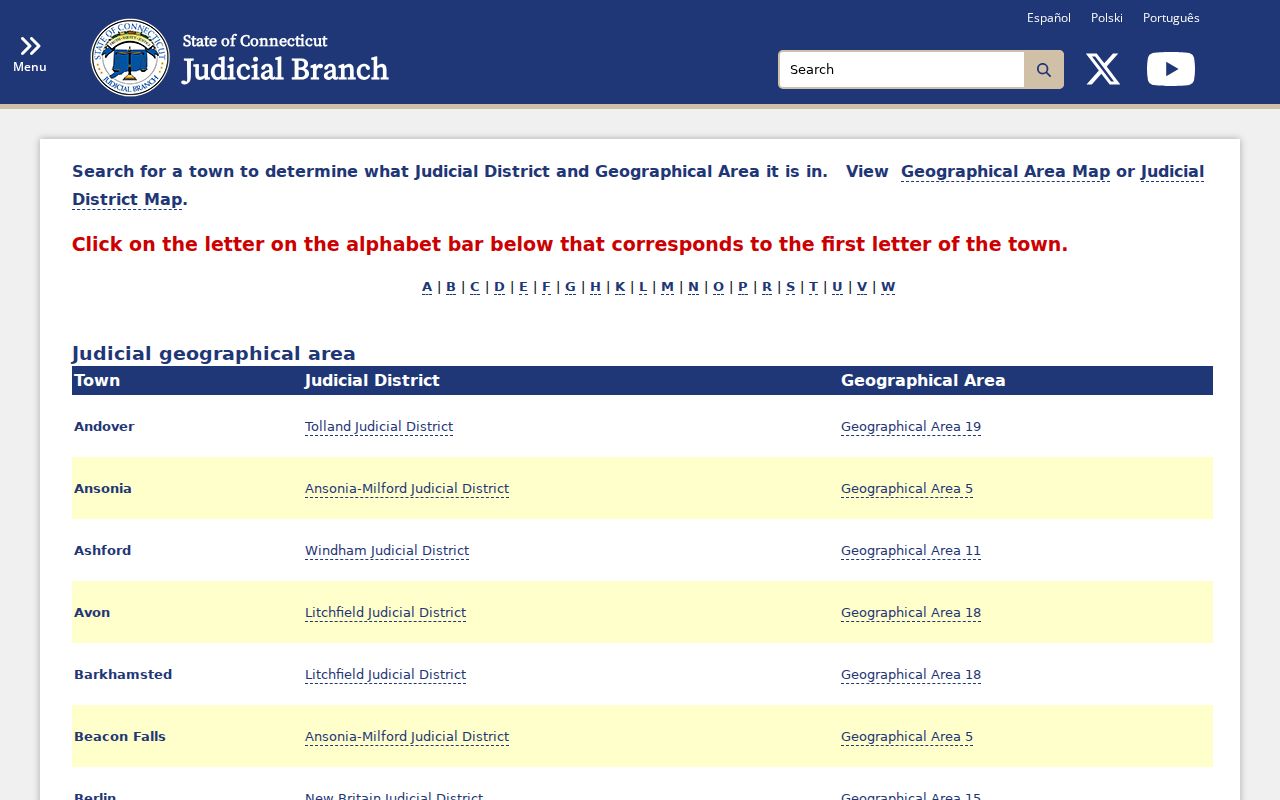
The assignment matters because a county-name search can send a reader toward an office that does not exist in Connecticut.
GA 22 in Milford Court Records
GA 22 is the location code that helps tie a Milford matter to the right courthouse. Docket prefixes can encode the location and case type, so the complete docket number is worth saving exactly as shown. A party name alone is not enough to prove identity. Compare the name with a birth year or date-of-birth element, arresting agency, charge, and court location when those details appear.
The Ansonia-Milford judicial directory supplies current court contacts and assigned judges.
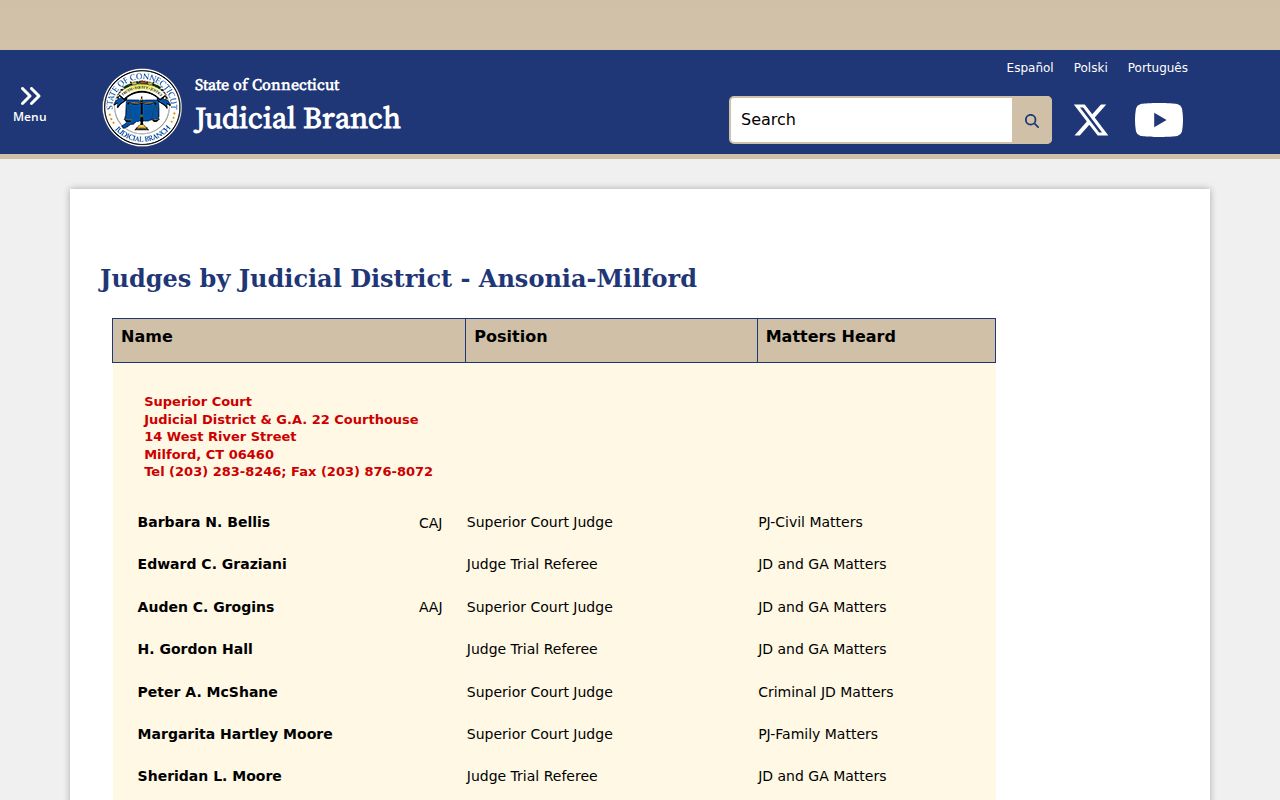
Judicial assignments can change, so the live directory is more reliable than an old name saved from a prior case.
Searching Milford Case Records
The free Connecticut Criminal/Motor Vehicle Case Look-up is the main public index. It separates pending cases from eligible conviction records, and it also offers daily-docket, docket-number, defendant-name, arrest-warrant, and attorney or firm routes. Information reflects entries through the close of the prior business day. Public criminal documents are not downloadable, so use the index to identify the docket before asking the clerk for the file.
- Open the criminal and motor-vehicle hub. Pick pending defendant search for an open matter, conviction search for an eligible disposed conviction, or the docket-number route when that identifier is known.
- Enter the exact defendant name or full docket number. Confirm Milford and GA 22 where the tool offers a location choice.
- Compare the available birth, agency, date, and case-type details. Do not rely on a name match by itself.
- Open the summary and read each charge, plea, event, and disposition separately. Save the complete docket number.
- Contact the Chief Clerk for pleadings, reports, ordinary copies, or a certified disposition. Ask whether an older file has moved to central storage.
| Field Label | Type | Required | Notes |
|---|---|---|---|
| Search route | Selection | Yes | Pending, conviction, daily docket, docket number, defendant name, warrant, or attorney route |
| Defendant name | Text | Route dependent | Use the exact spelling and compare identity fields |
| Docket number | Text | Route dependent | Keep the full prefix, location, type, and number |
| Court location | Selection | Route dependent | Confirm Milford or GA 22 for an ordinary Milford matter |
| Date or case status | Date/selection | Route dependent | Use Daily Docket for a scheduled date and the case summary for history |
Note: The online index is an overview, not a complete official adult criminal history or a substitute for the clerk's certified disposition.
Two Milford Court Search Paths
Pending search and conviction search answer different questions. The pending route is built for an unresolved docket. The conviction route covers eligible conviction information, generally for no more than ten years after sentence and subject to shorter display rules. Juvenile cases, youthful-offender matters, infractions, and violation convictions are excluded from the public criminal lookup. A missing result can reflect the chosen route, display limits, erasure, a reporting delay, or a spelling mismatch.
| Route | Best use | Key limit |
|---|---|---|
| Pending defendant search | Find an unresolved Milford criminal case | Not a final outcome record |
| Convictions defendant search | Find an eligible disposed conviction | Display periods and exclusions apply |
| Daily Docket | Check a scheduled court appearance | A calendar is not full case history |
Inside a Milford Case File
A Milford case summary may show enough data to identify the docket and trace its result, but the clerk's file holds the underlying public documents. One docket can carry several charges, and each charge may end differently. Read the charging statute, plea, disposition, date, and sentence together. An arrest charge can change after the prosecutor reviews the matter. A court charge and final disposition therefore carry more weight than the first police allegation when the goal is to understand what happened in court.
| Case number and court | Full docket identifier, courthouse, location code, and case type |
|---|---|
| Defendant and agency | Name, available birth element, and arresting agency used to check identity |
| Charging record | Statute, charge text, offense class, and filing or return information |
| Docket activity | Pleas, scheduled events, motions, bond details, and next event when public |
| Disposition | Outcome for each charge, disposition date, and judgment information |
| Sentence | Public sentence terms and conditions following a conviction |
The Judicial Branch's criminal case help source explains routes for dates, records, bonds, warrants, and certified dispositions.
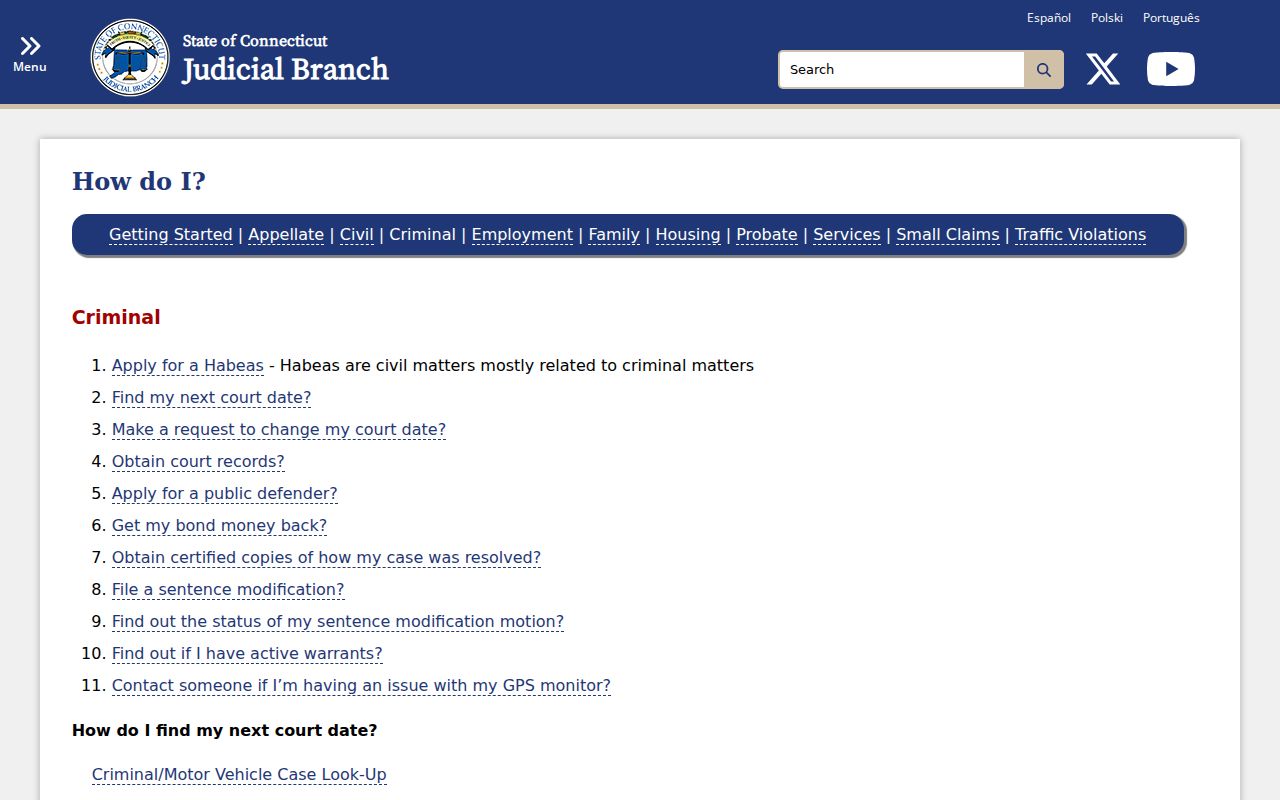
That help channel is useful after the index identifies the docket but the actual court document is still needed.
Reading Milford Court Dispositions
“Disposed” means the court has entered an outcome; it does not mean every charge ended in conviction. A nolle is the prosecutor's choice not to prosecute at that time. A dismissal ends the prosecution without a conviction. An acquittal is a not-guilty result after adjudication. Connecticut erasure law may apply to those results, but the timing and status still need review. A guilty result should be read with its statute, class, sentence, and disposition date.
- Nolle
- Not a conviction; erasure timing is governed by Connecticut law.
- Dismissed
- The charge ended without conviction, though each count must be checked.
- Diversion
- A court-authorized program that may lead to dismissal if completed.
- Failure to appear
- A procedural status that is not a new finding of guilt.
- Convicted
- A judgment of guilt after a plea or trial, followed by sentence.
Program status is not the same as program completion. Recheck after the expected completion date. Likewise, a failure-to-appear or re-arrest warrant entry concerns procedure, not guilt on a new charge. When several counts share one docket, match each result to its own charge line.
How a Criminal Case Moves
A Milford case can begin with an arrest or summons and a return date. A detained person is presented promptly, and the court reviews bond or release conditions. The prosecutor then files or changes charges. Plea procedure, disclosure, motions, and pretrial events follow. The matter may end through dismissal, nolle, diversion, a negotiated plea, or trial. If there is a conviction, the court imposes sentence. Probation, incarceration, appeal, or sentence review may come next.
Case flow: Charges Filed → Arraignment → Pretrial → Plea or Trial → Disposition → Sentencing
Dates and outcomes can remain fluid until the clerk enters them. The police arrest allegation is not the final charging record, and the first online result may not yet reflect an event held that day. Check the docket again after the Judicial Branch completes its next business-day update.
Milford Court Copies and Scans
The public index does not post criminal pleadings, police reports, or certified results as downloadable files. Publicly disclosable court documents must be requested at the clerk's counter. The Judicial Branch states that ordinary copies cost $1 per page and permits use of a handheld scanner at no charge. A stable, all-purpose certified-copy total was not published in the official sources reviewed, so ask the clerk for the current certification cost, payment method, and delivery options.
The Judicial Branch media and access FAQ documents the daily refresh, copy price, scanner option, and archived-record route.
Bring or send the full docket number and exact defendant name so the clerk can distinguish the right Milford file from a similar name.
Chief Clerk and Criminal Caseflow
Superior Court, Ansonia-Milford JD/GA 22
14 West River Street
Milford, CT 06460
Clerk: 203-877-4293
Caseflow: 203-283-8202
Court Service Center
First floor, 14 West River Street
Public terminals and procedural resources
203-283-8260
Archived Milford Criminal Case Files
An older disposed file may no longer be stored at West River Street. Ask the local clerk first. If the file has moved, the official archived-record route is SuperiorCourtRecordsCenter@jud.ct.gov or 860-263-2750. State the complete docket number, exact name, court location, and the document or certification needed. This keeps the request narrow and lets staff confirm whether the record is still local or held by centralized services.
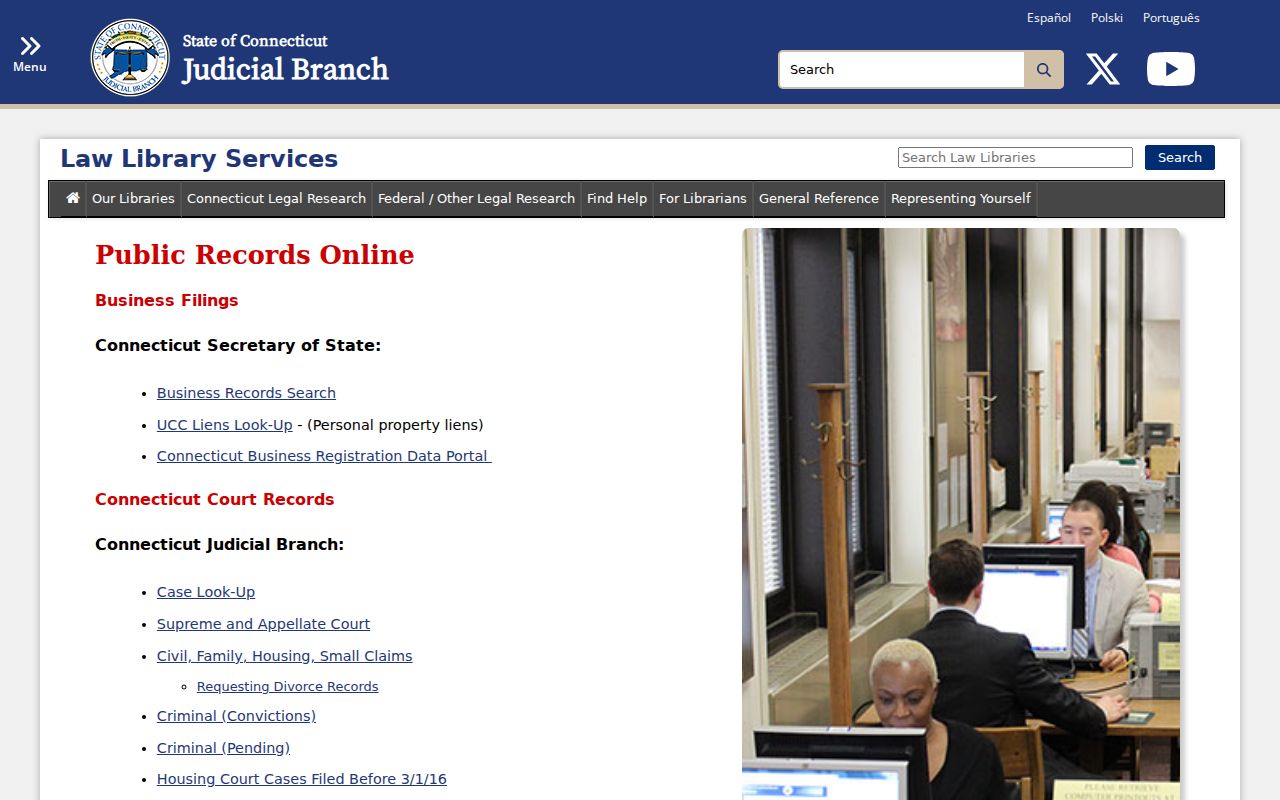
The Judicial Branch public records resource index connects court users with official court, prisoner, and public-record channels.
The records center route is for transferred court files, not Milford Police reports or the statewide SPBI criminal-history product.
Milford Case Access and Restrictions
Connecticut court access is broad but not complete. Juvenile and youthful-offender matters do not appear in the public criminal lookup. Erased matters leave ordinary public access. Victim, minor, and personal identifier data may be withheld or redacted. The online conviction display is also time limited, generally to no more than ten years after sentence and subject to shorter Practice Book rules. Those display limits do not define the sentence and do not by themselves prove erasure.
A Milford docket may disappear or change because of erasure, pardon, correction, or a new clerk entry. If a case should exist but does not appear, verify the spelling, search both pending and conviction routes, and contact the clerk. The clerk can explain whether the file is confidential, erased, archived, or simply outside the online display. Court staff can provide process information, but legal advice and case strategy require a qualified lawyer.
Note: A “no result” screen is not proof that no Milford court record ever existed.